

Description
CustomVectors Ham Radio Laptop Kit
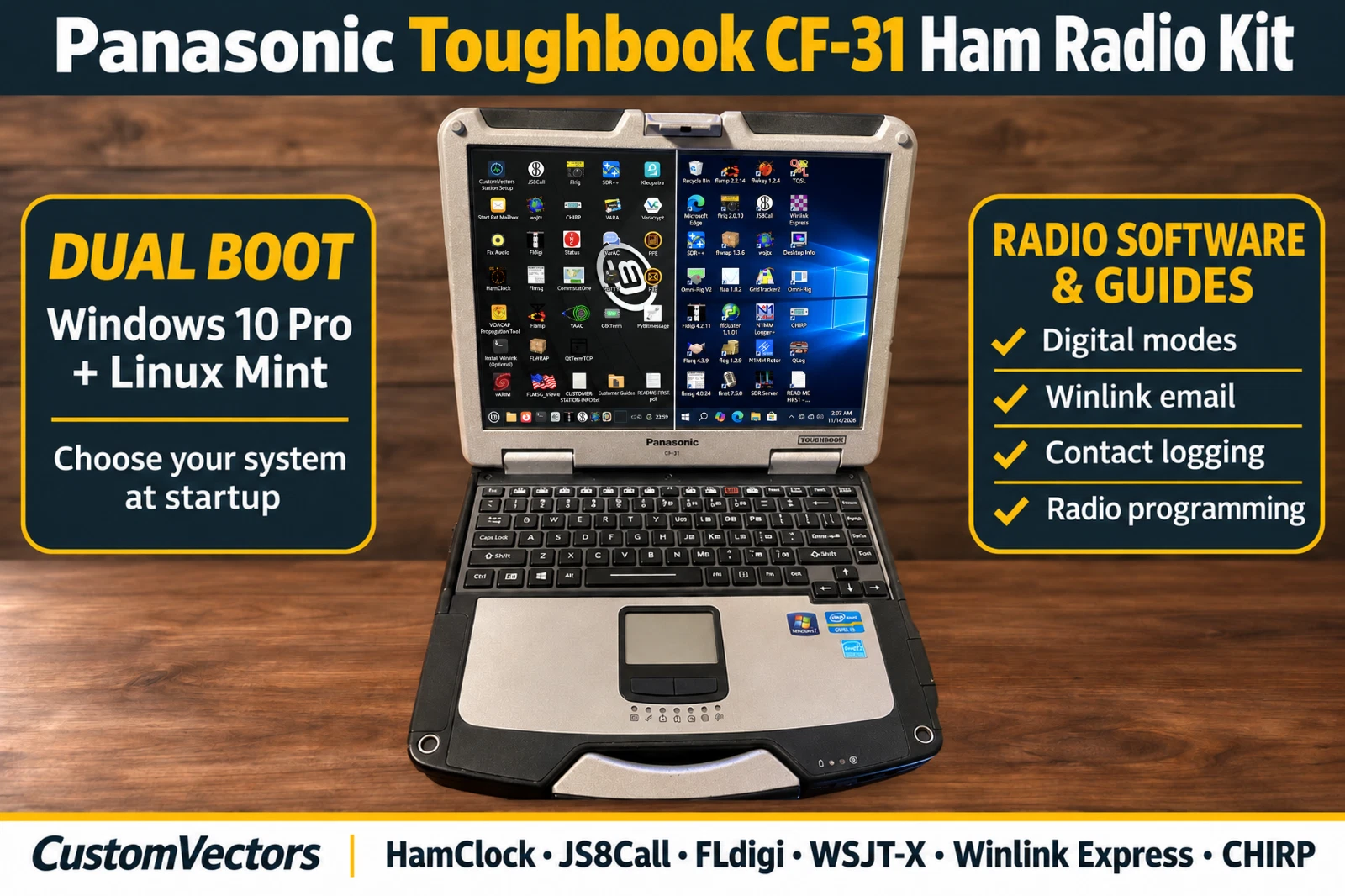
Before this Toughbook leaves my bench, I install the ham radio software and configure compatible digital-mode programs to work together. When it arrives in your ham shack, you can go straight to connecting your transceiver and choosing the audio device that matches your station.
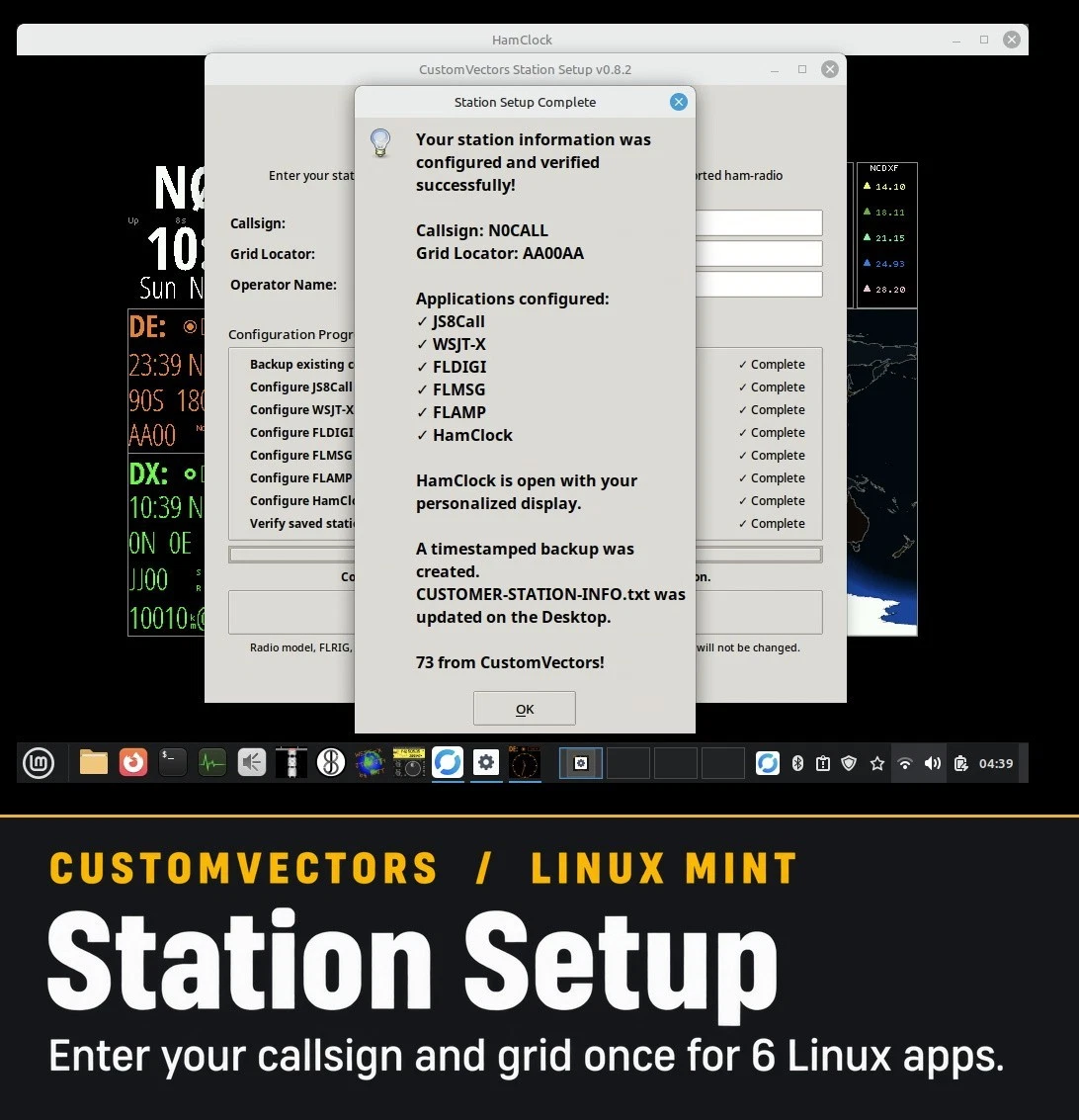
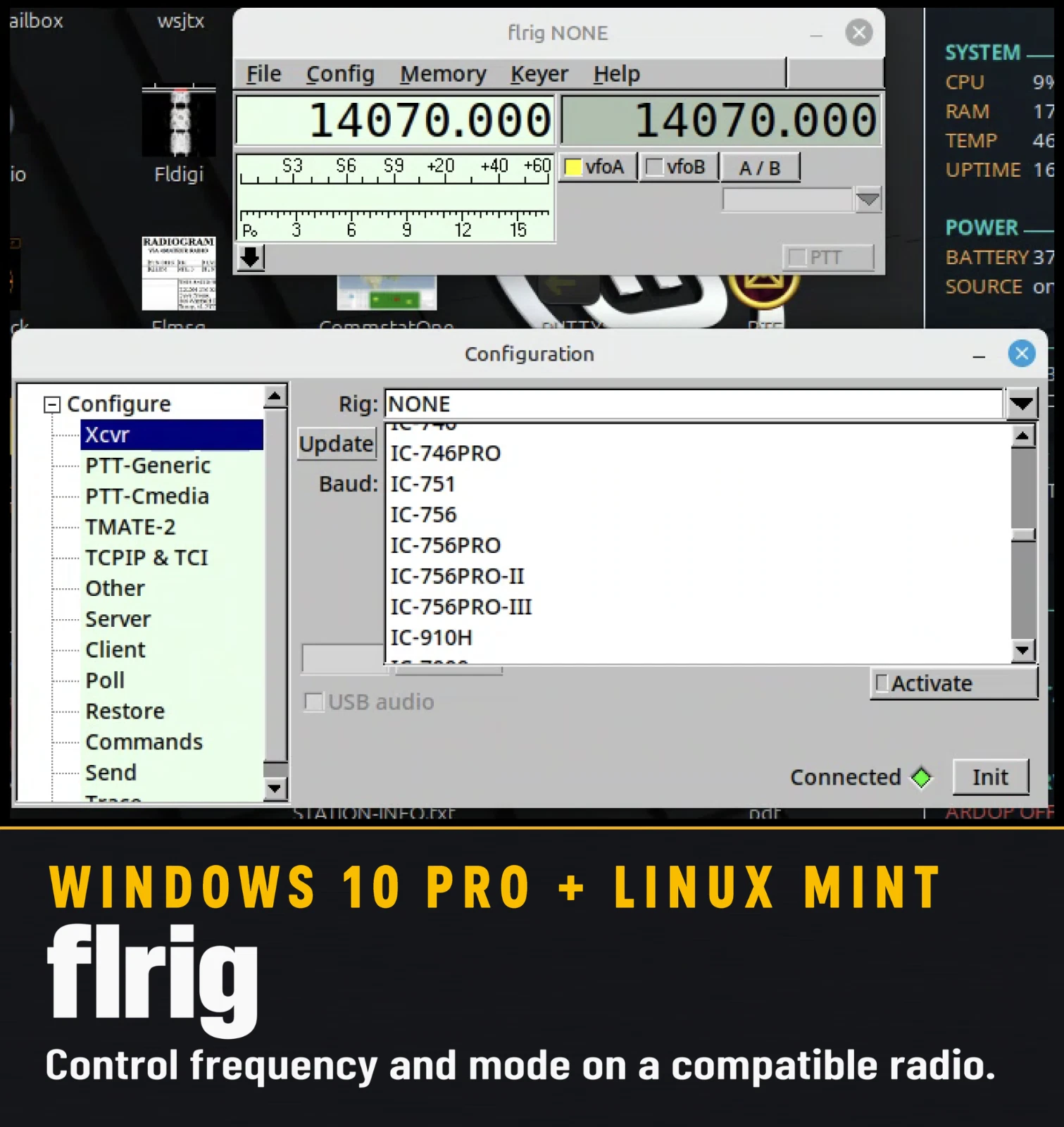
On Windows 10 Pro and Linux Mint, you choose your radio model and port once in FLrig on the system you’re using. The programs I’ve configured share that connection, so you can switch between them without setting up the same radio again. On Mint, my CustomVectors Station Setup tool also fills in your callsign and grid square across six programs in one step.
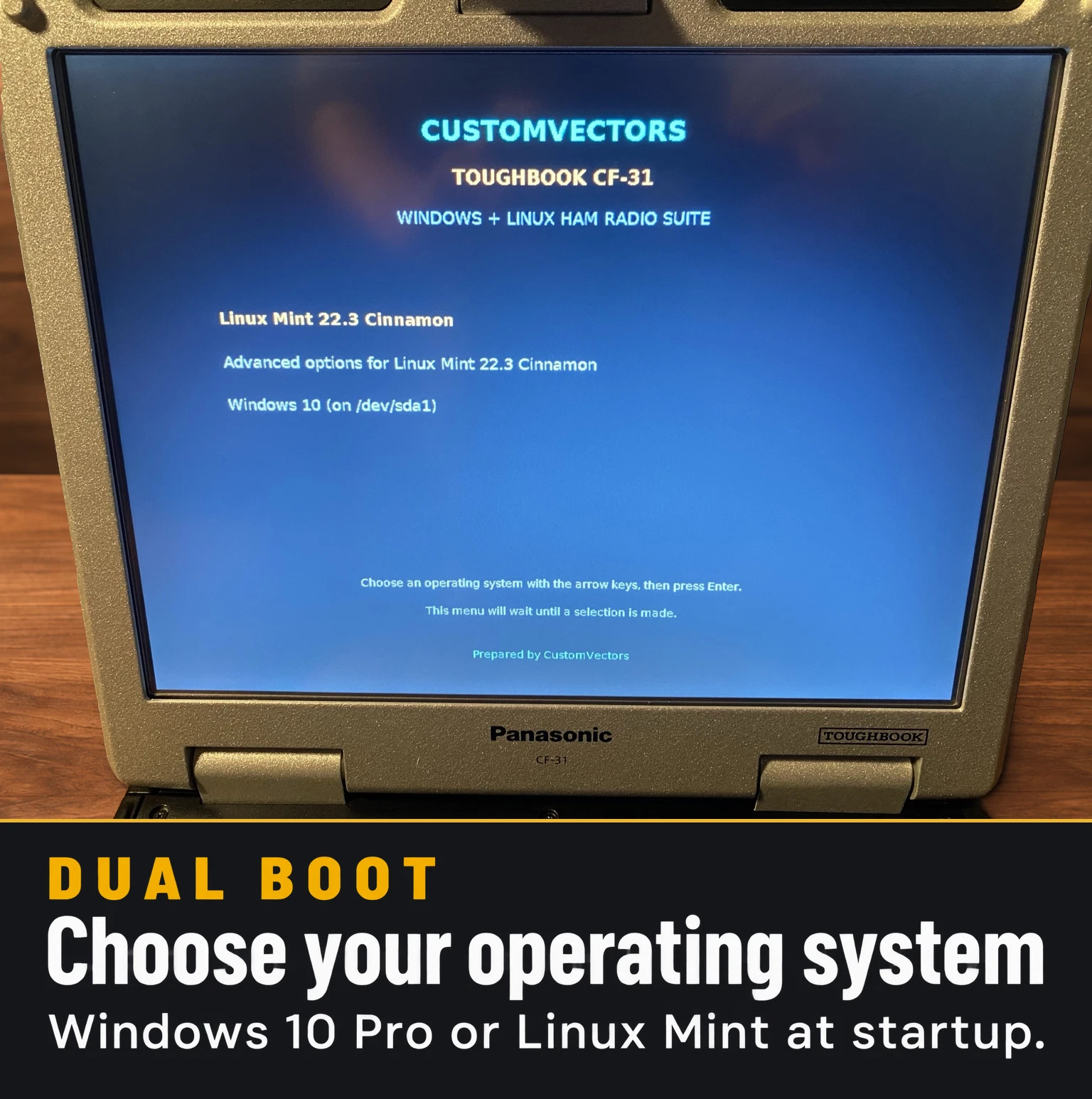
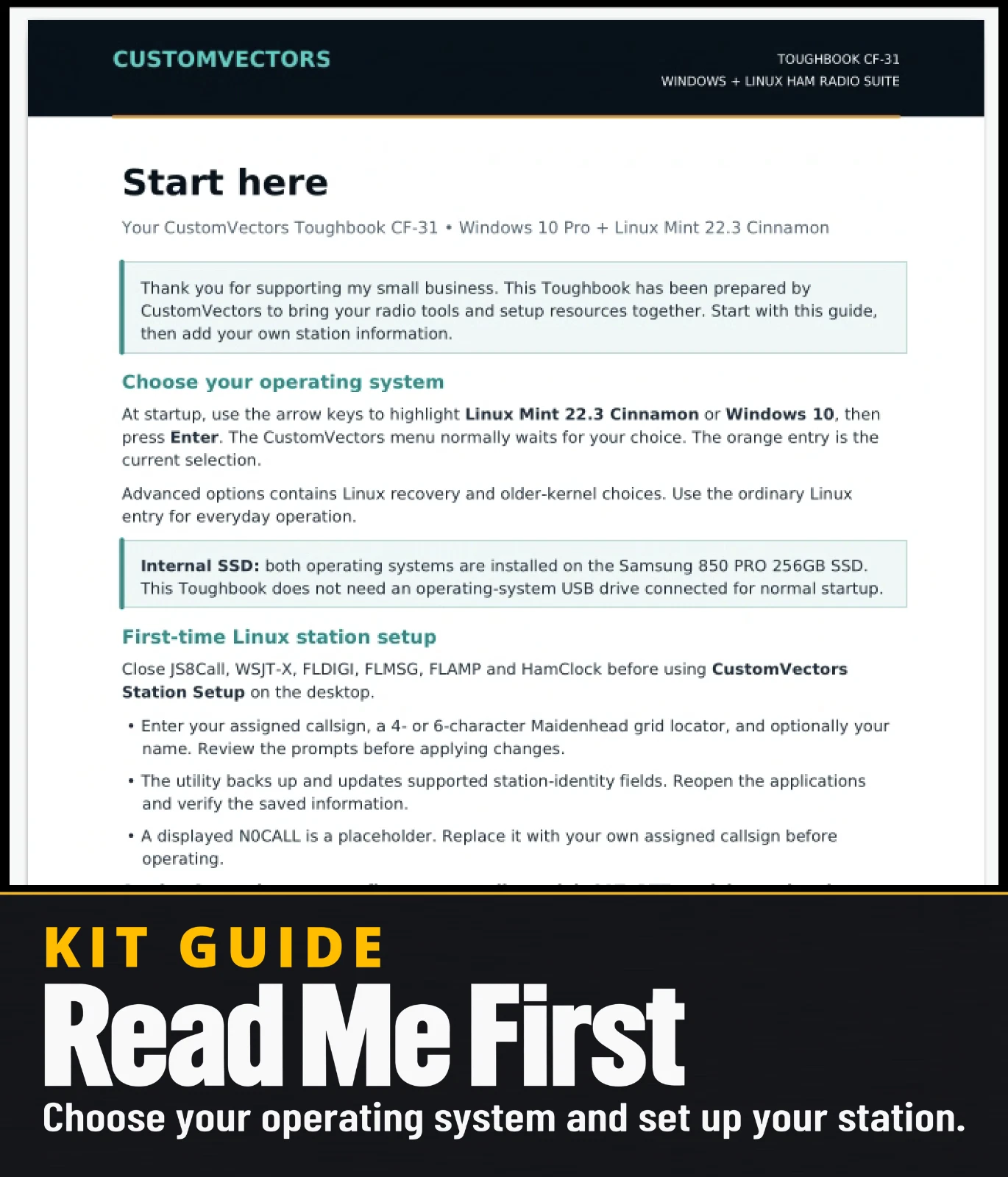
Choose Windows or Linux Mint from the menu when you turn it on and press Enter. Both run from the internal drive, so your USB ports are free for your radio equipment.
Shipping & handling
I run CustomVectors on my own and take pride in preparing every laptop by hand. I allow extra handling time to configure the radio software and thoroughly test each laptop in both Windows and Linux Mint before I pack it. I want your Toughbook to reach you, the customer, in perfect working order and ready for your station setup.
See the store’s shipping information for handling and delivery details.
The Toughbook you’ll receive
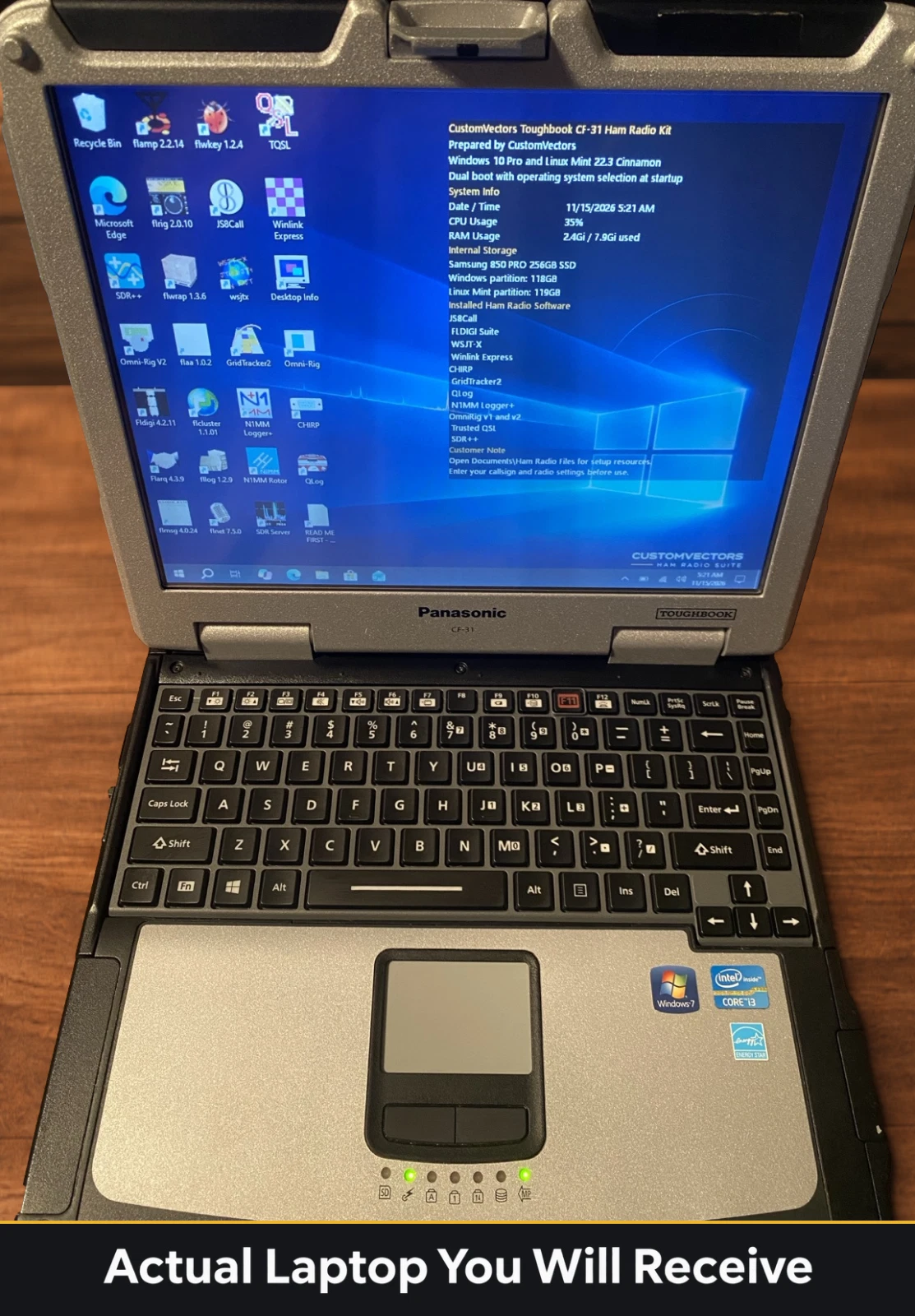
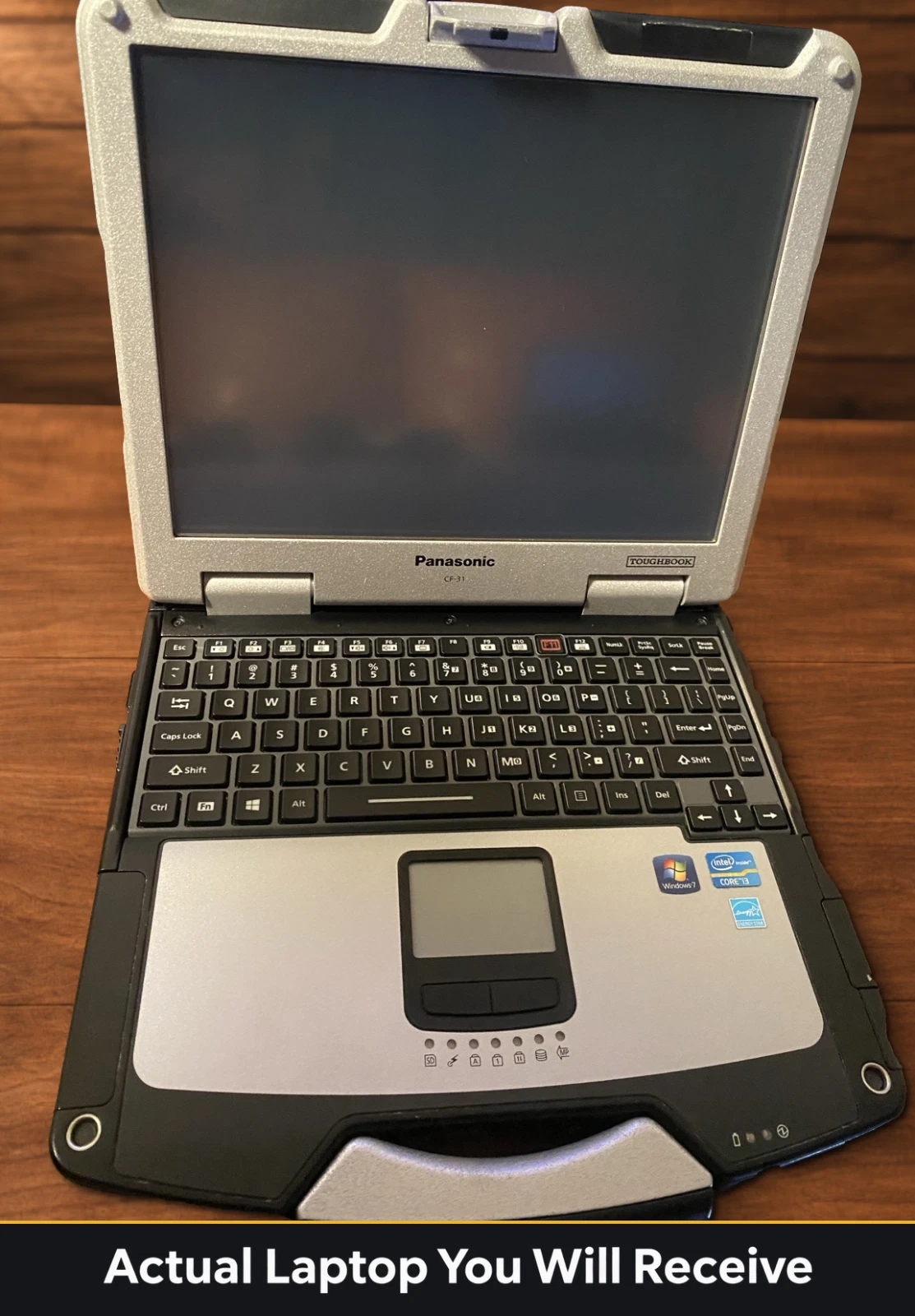
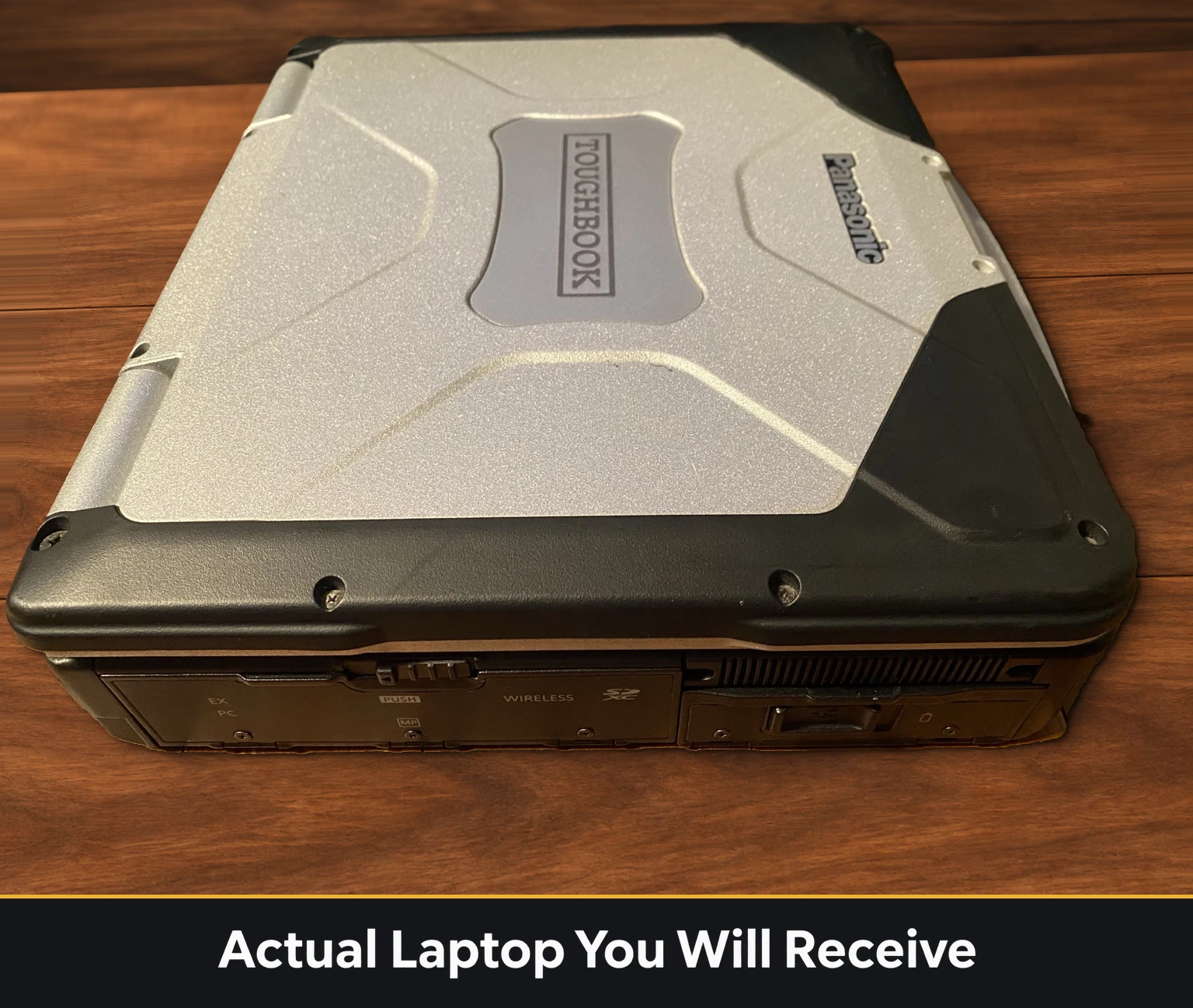
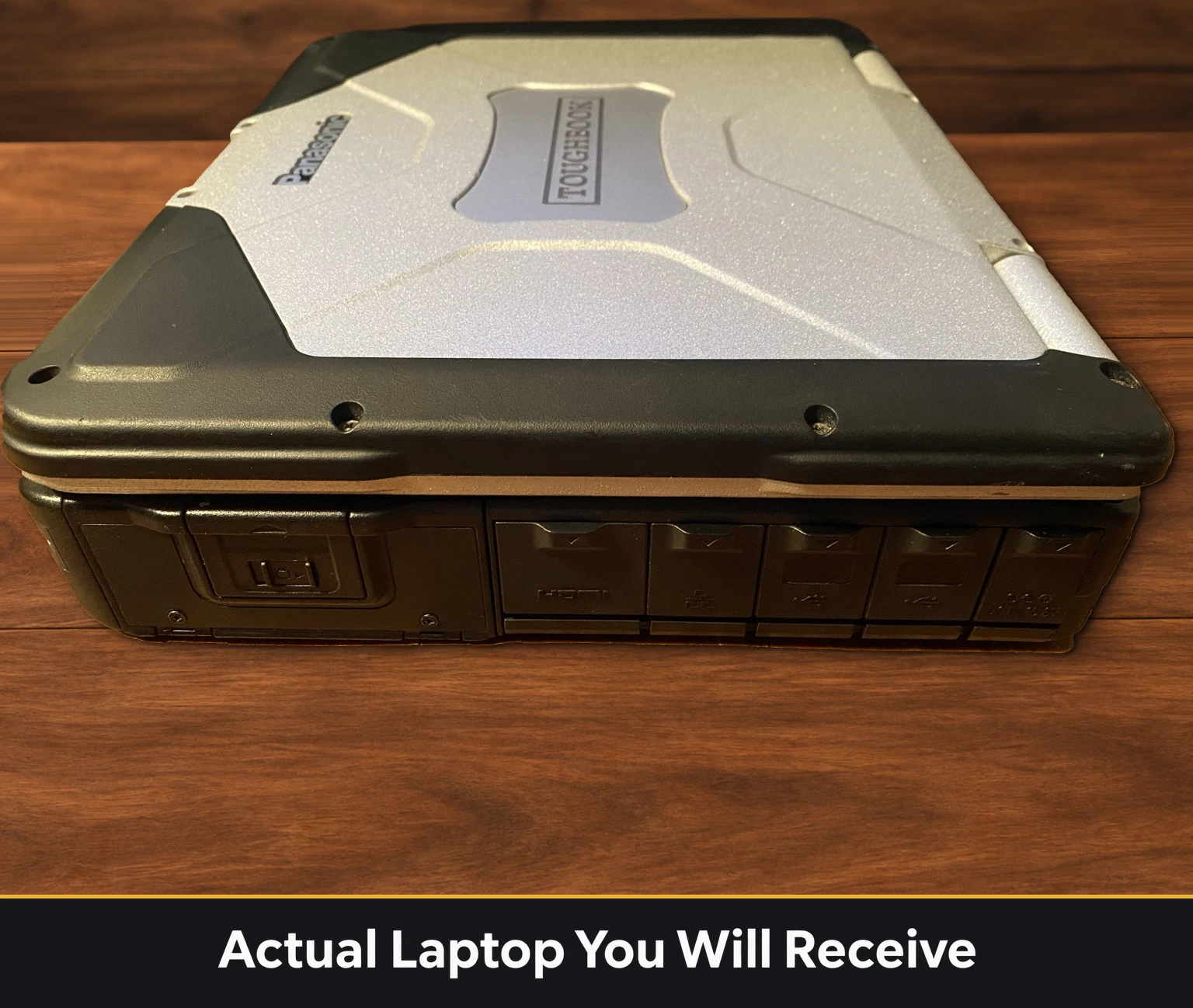
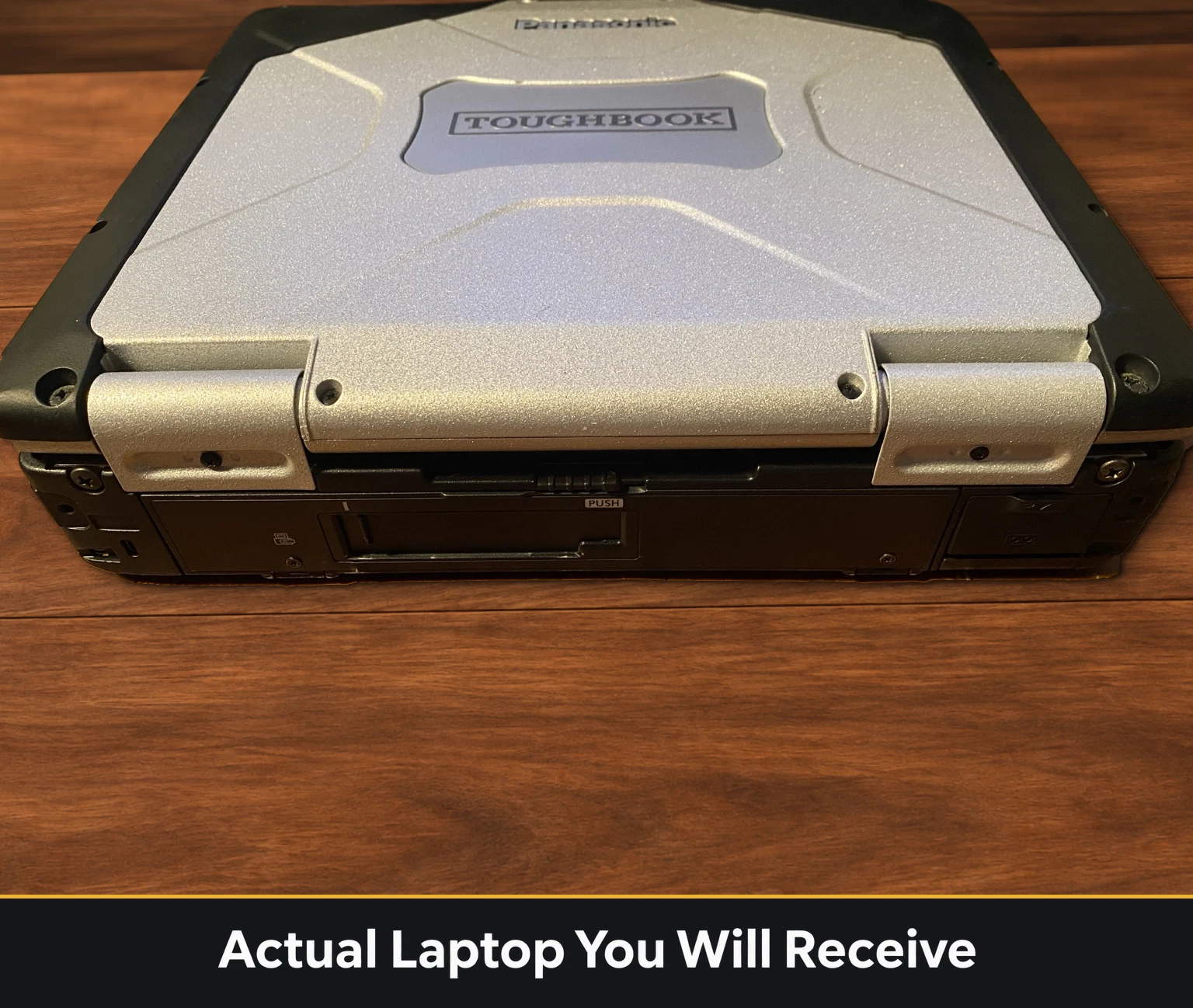
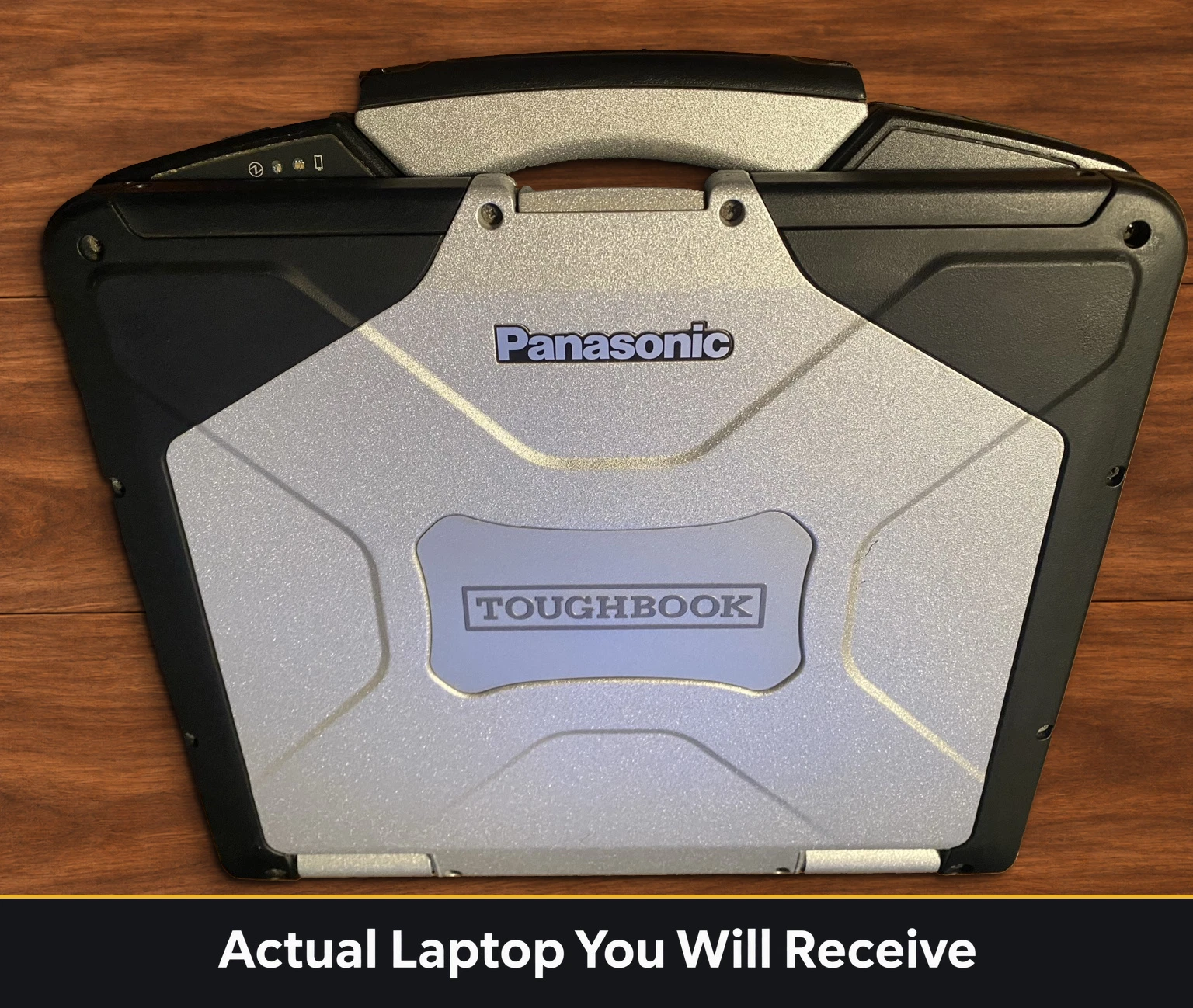
| Model | Panasonic Toughbook CF-31 with built-in carry handle |
|---|---|
| Processor | Intel Core i3-3110M at 2.40 GHz |
| Memory | 8 GB DDR3 RAM |
| Internal storage | 256 GB Samsung 850 PRO SATA SSD |
| Touchscreen | Yes. In Windows, taps near the corners can land slightly off target. |
| Disc drive | Yes. Built-in TEAC DVD writer |
| Included accessories | Charger and touchscreen stylus |
| Condition | Used, with light wear along the case edges. |
The hardware photos show the actual Panasonic Toughbook CF-31 you’ll receive.
What I’ve set up for you
FLrig radio control on Windows 10 Pro and Linux Mint
I’ve configured compatible digital-mode programs on both systems to use FLrig. Choose your transceiver model, connection port, and port speed once in FLrig on each operating system you use. With FLrig running, those programs connect to it automatically to read or change your radio’s frequency and mode. On Mint, for example, you can switch from FLdigi to JS8Call without entering the radio settings again.
CustomVectors Station Setup on Linux Mint
Enter your callsign and grid square (the short code for your location) once and let my personally programmed setup tool insert it for you. This tool updates your station details in JS8Call, WSJT-X, FLdigi, FLmsg, FLamp, and HamClock, and checks that the changes were saved. That’s six settings menus you can skip on day one.
Software for your radio desk
On both Windows 10 Pro and Linux Mint
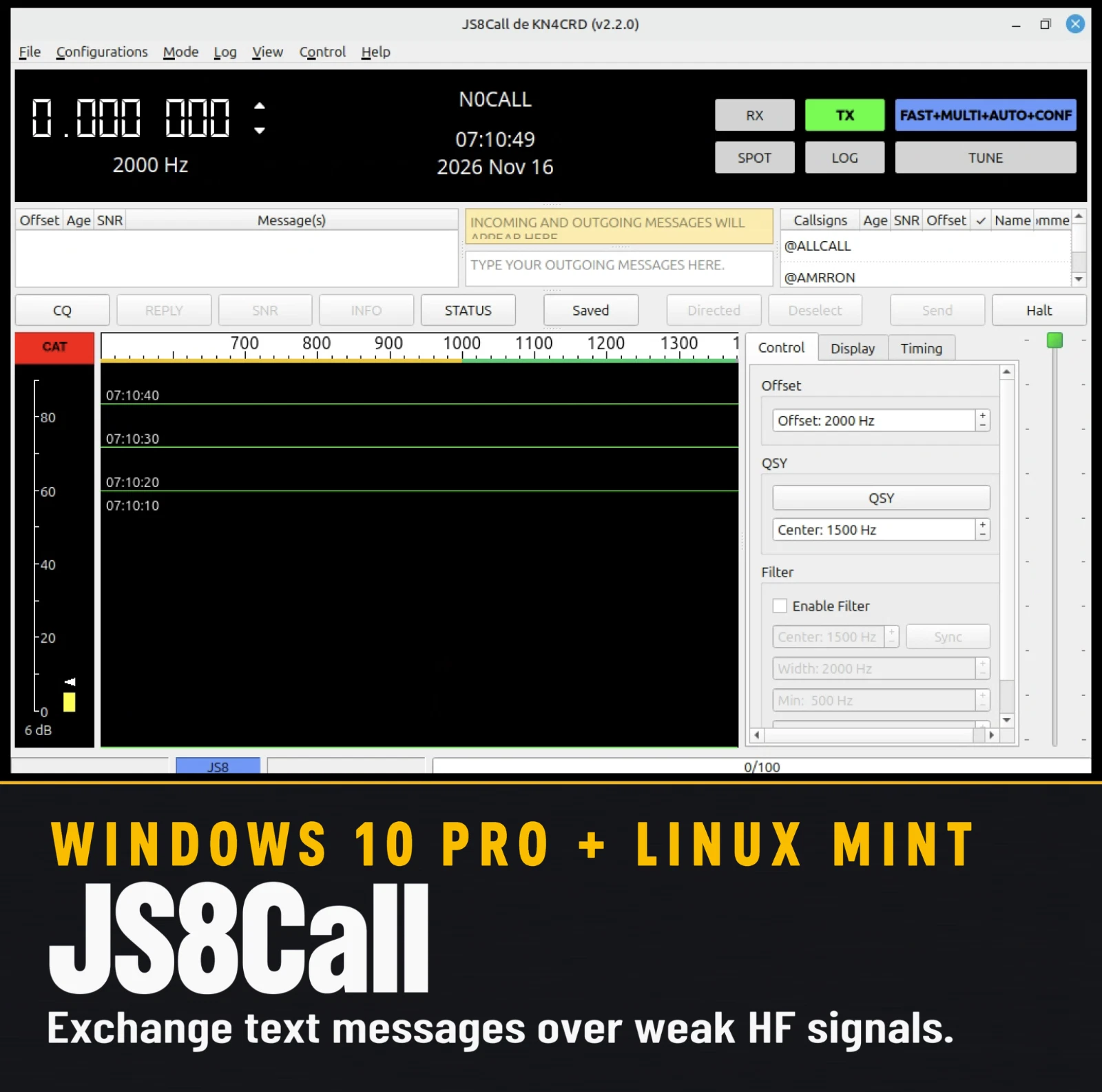
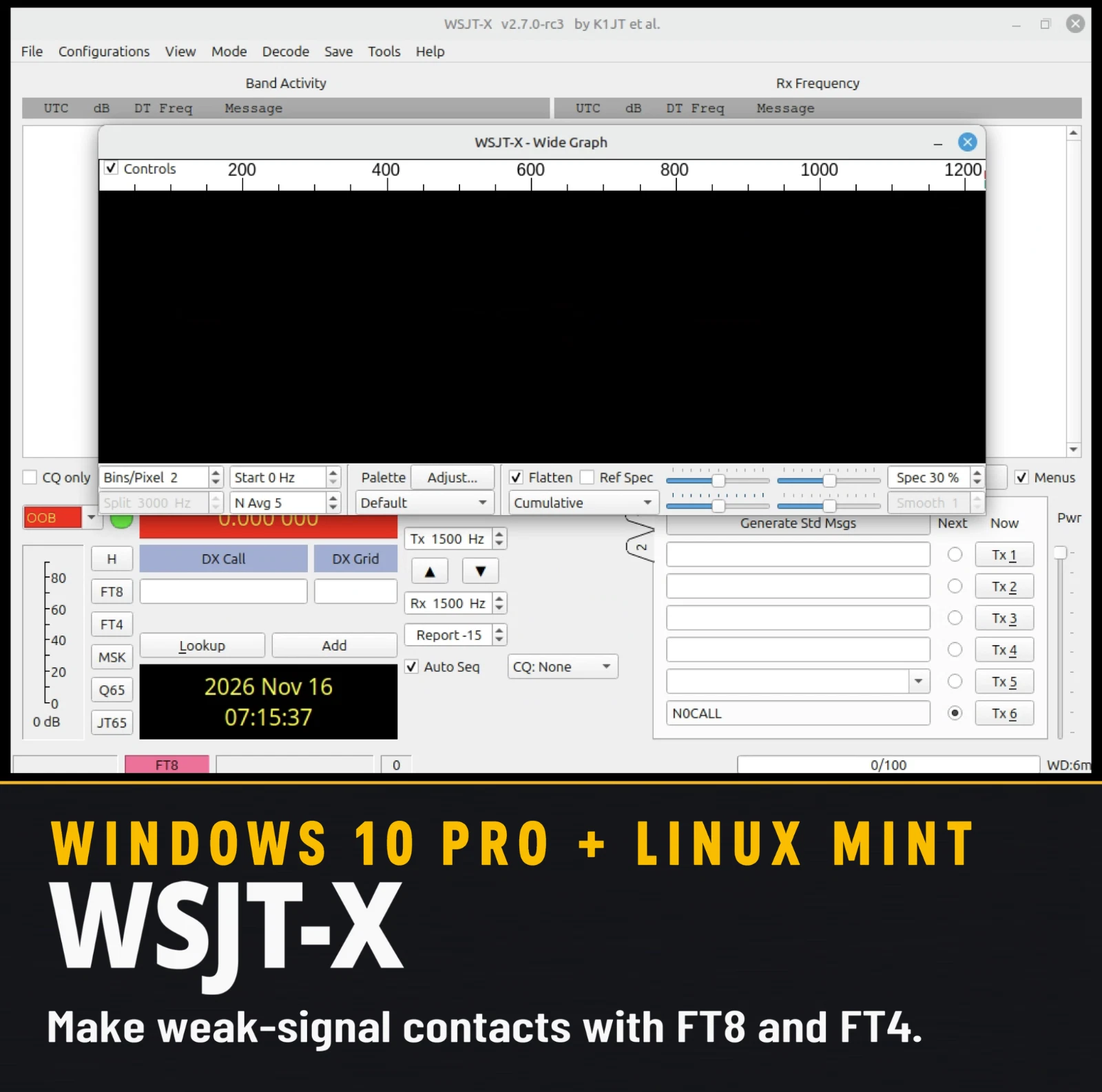
- WSJT-X supports FT8 and FT4 for making contacts when signals are weak. JS8Call lets you have keyboard-to-keyboard conversations over weak radio signals.
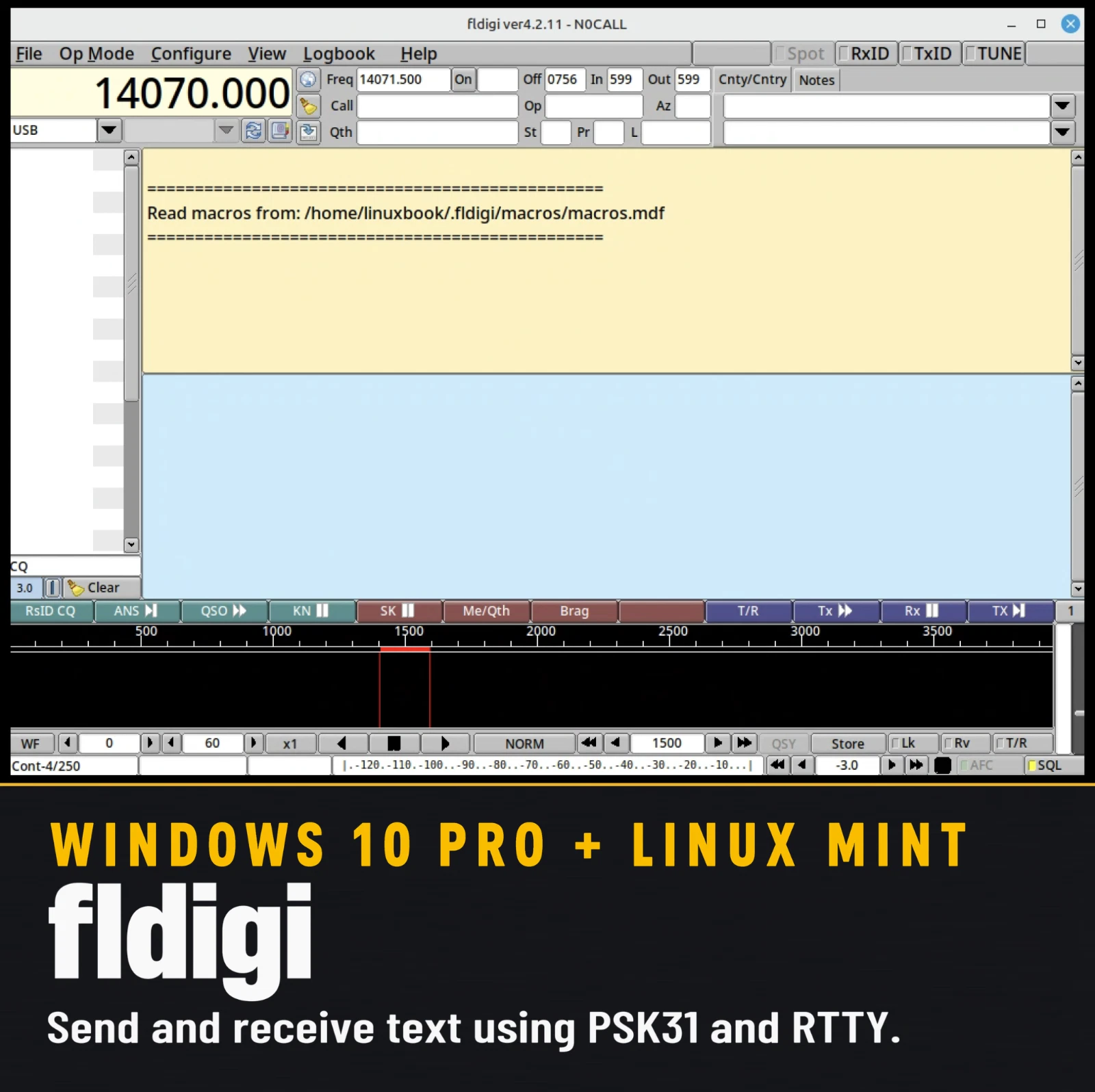
- FLdigi sends and receives text in digital modes such as PSK31 and RTTY. Use FLmsg for message forms, FLamp for file transfers, FLwrap to check file integrity, and FLarq for transfers with acknowledgments.
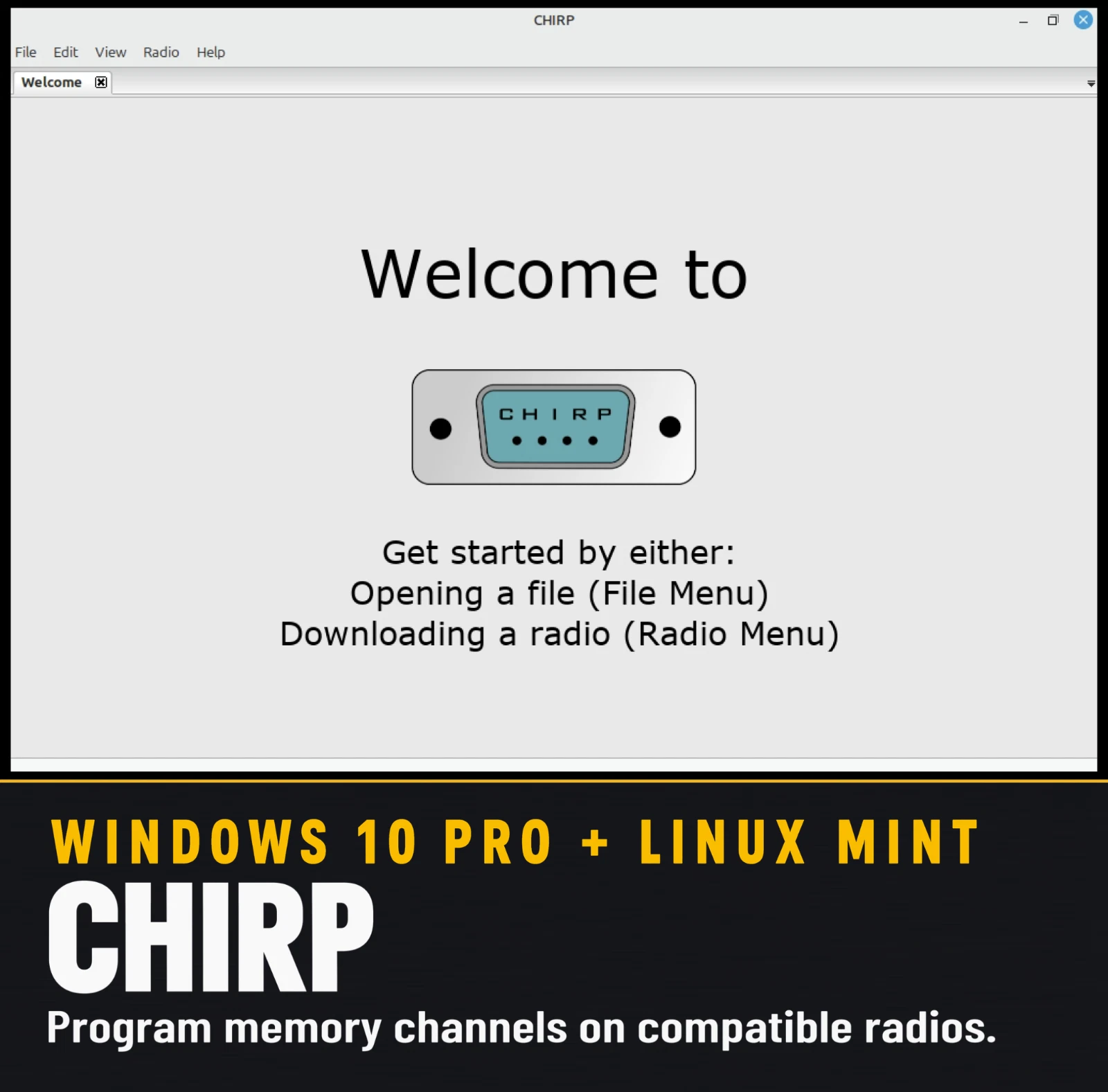
- FLrig controls a compatible transceiver. CHIRP programs channels and repeater memories into supported radios.
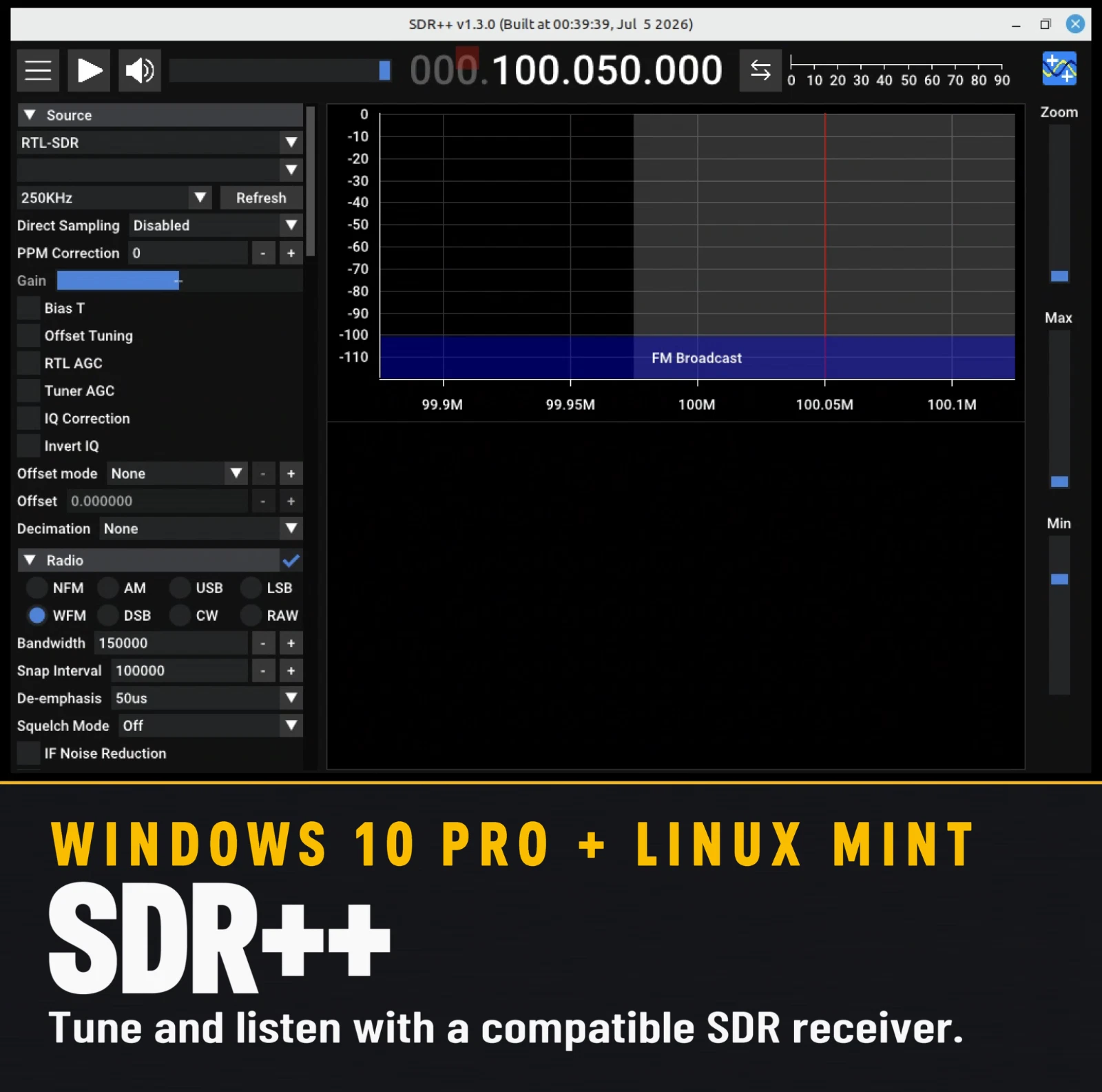
- SDR++ lets you tune and listen with a compatible software-defined radio receiver.
Radio email, station maps, and propagation
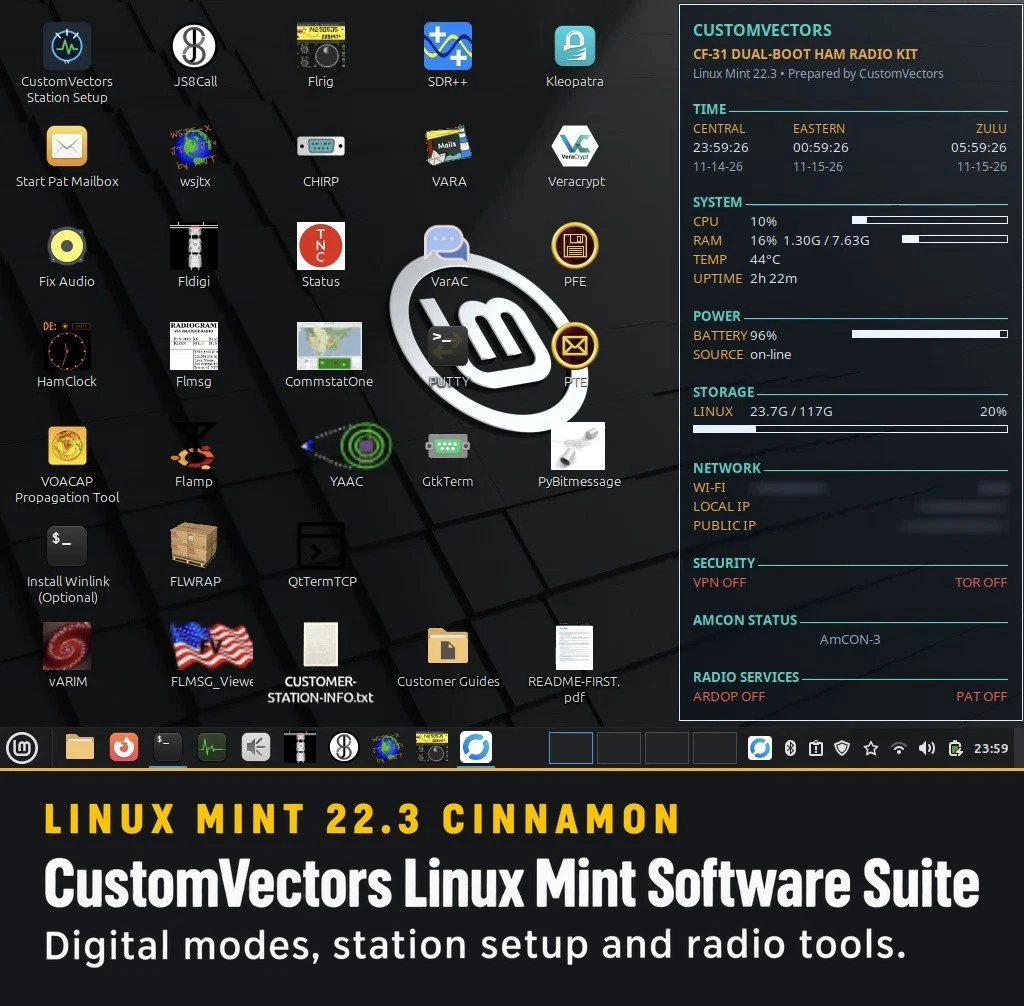
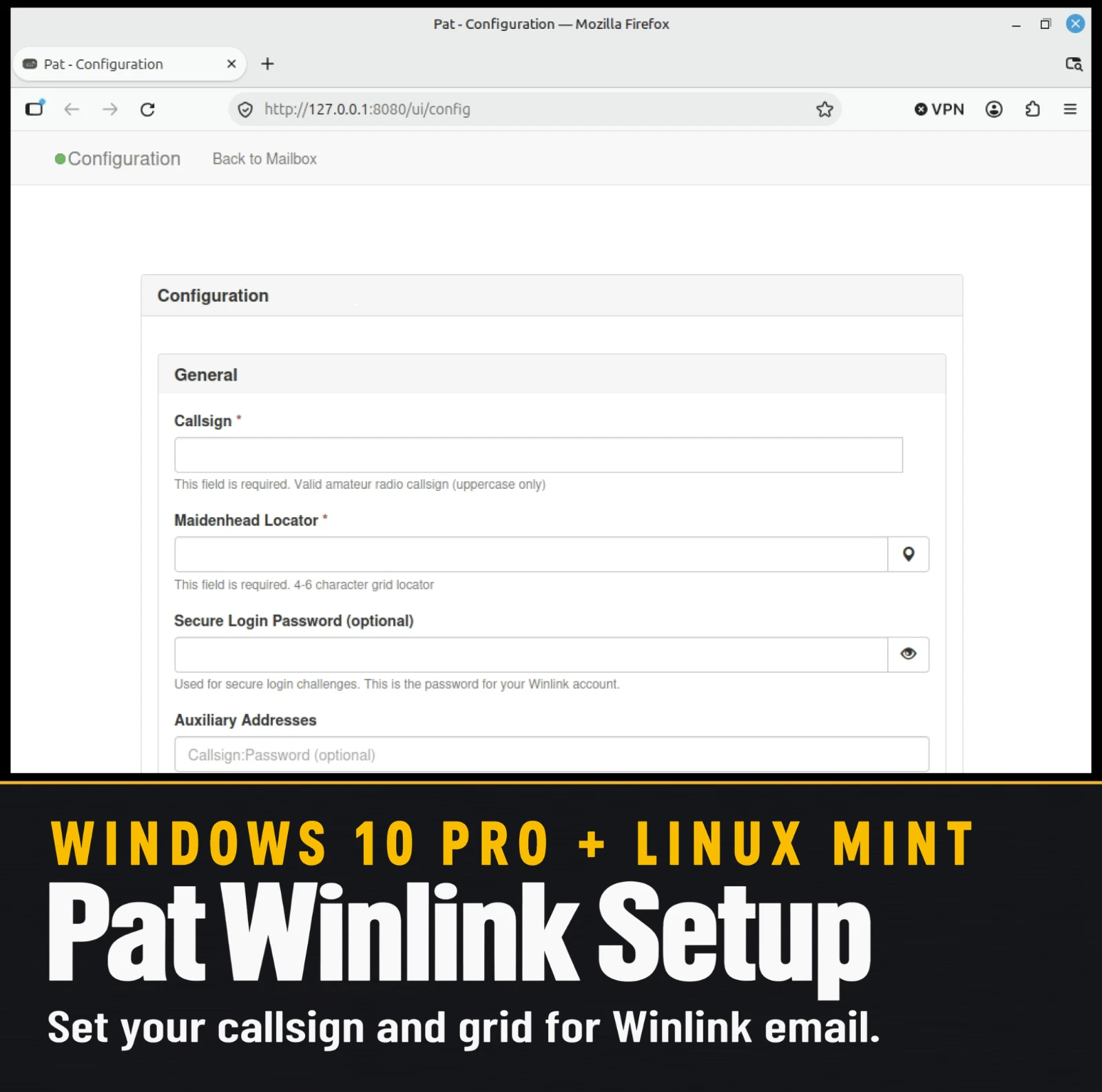
- For Winlink email, open Winlink Express on Windows or Start Pat Mailbox on Mint. The Mint launcher opens Pat in your browser and takes you to account setup on first use. Mint also includes a separate, optional Winlink installer.
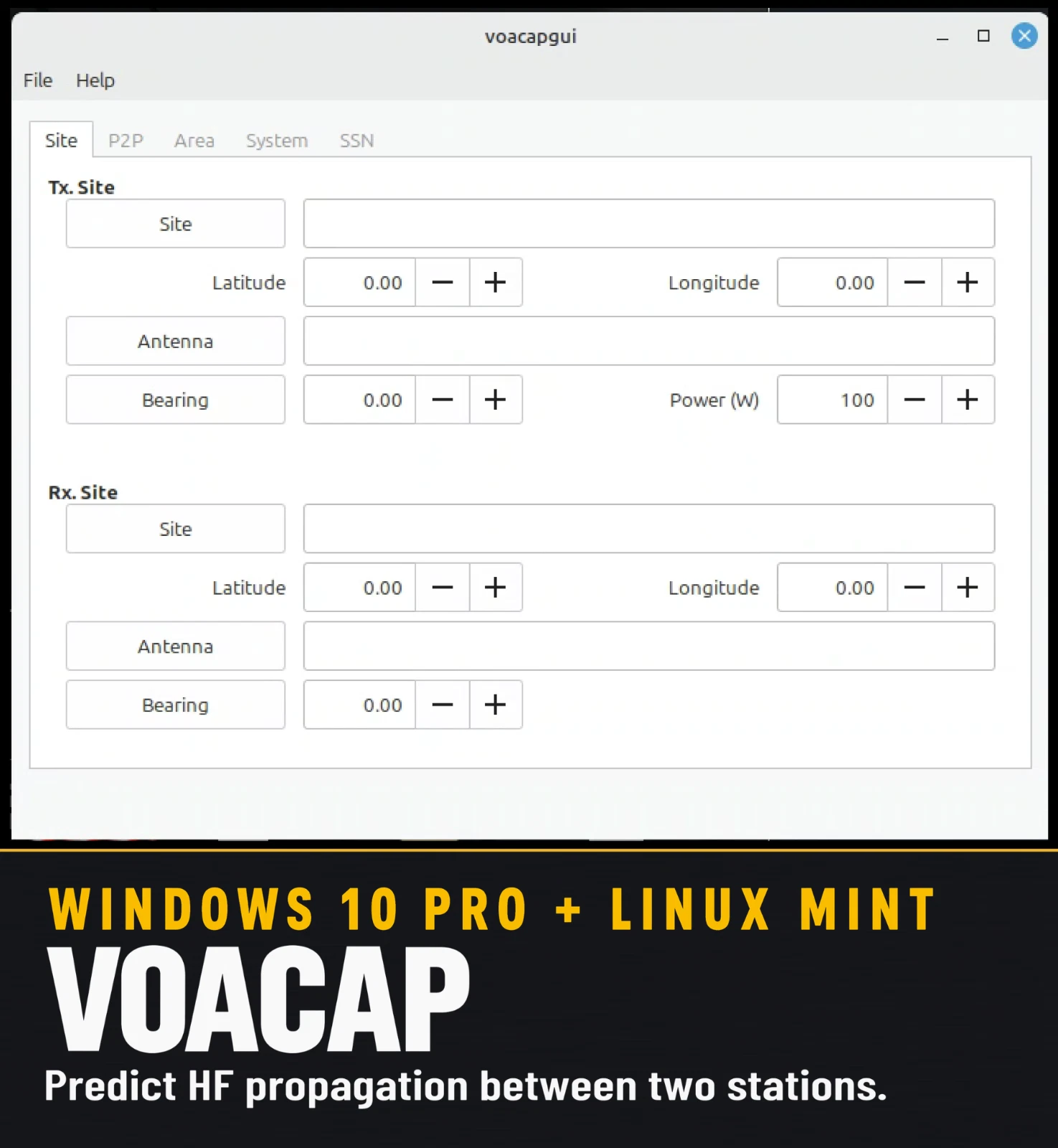
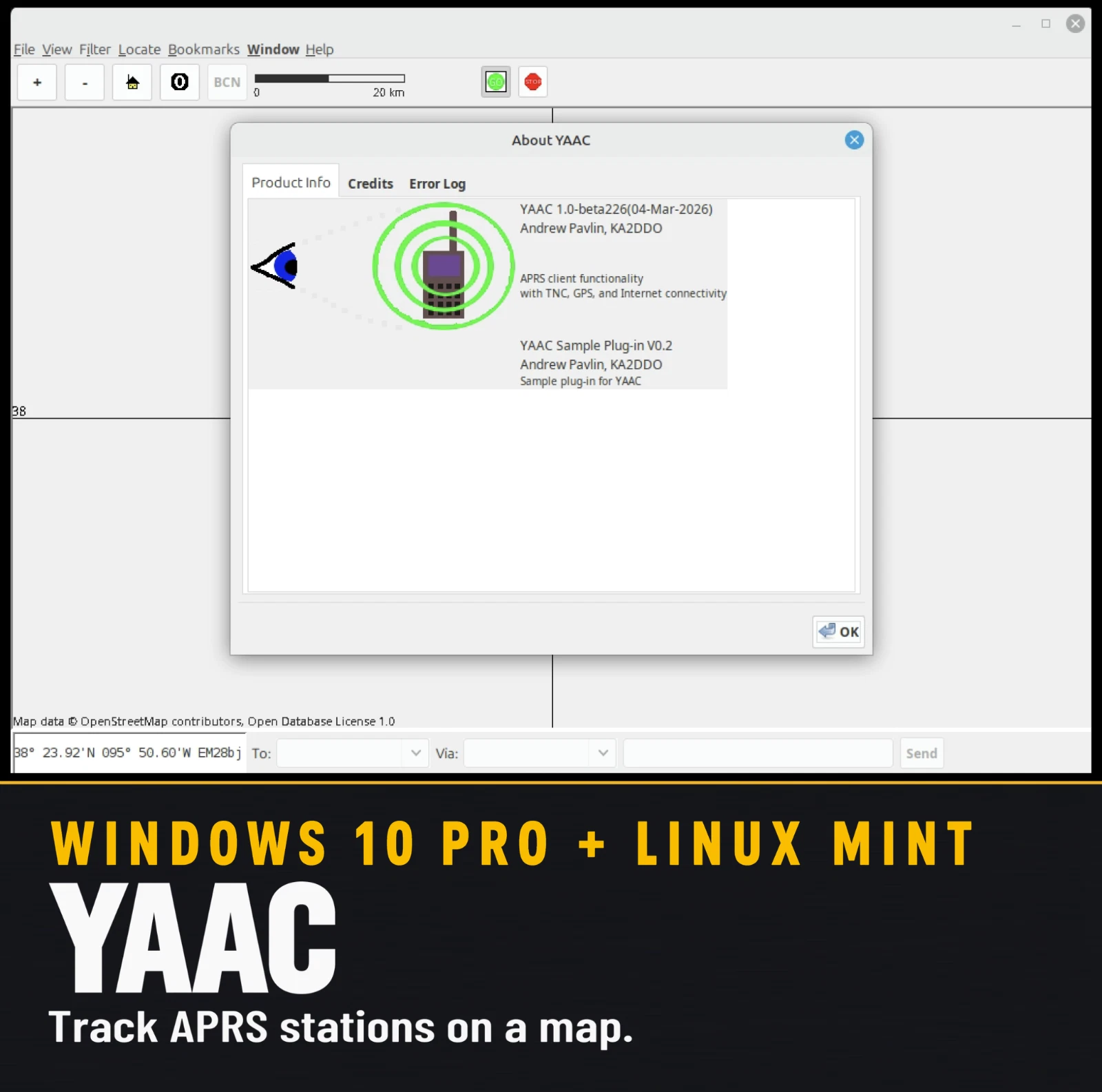
- YAAC plots APRS stations on a map. VOACAP Propagation Tool helps you choose promising HF bands and times for a contact between two locations. I included an illustrated guide for your first prediction.
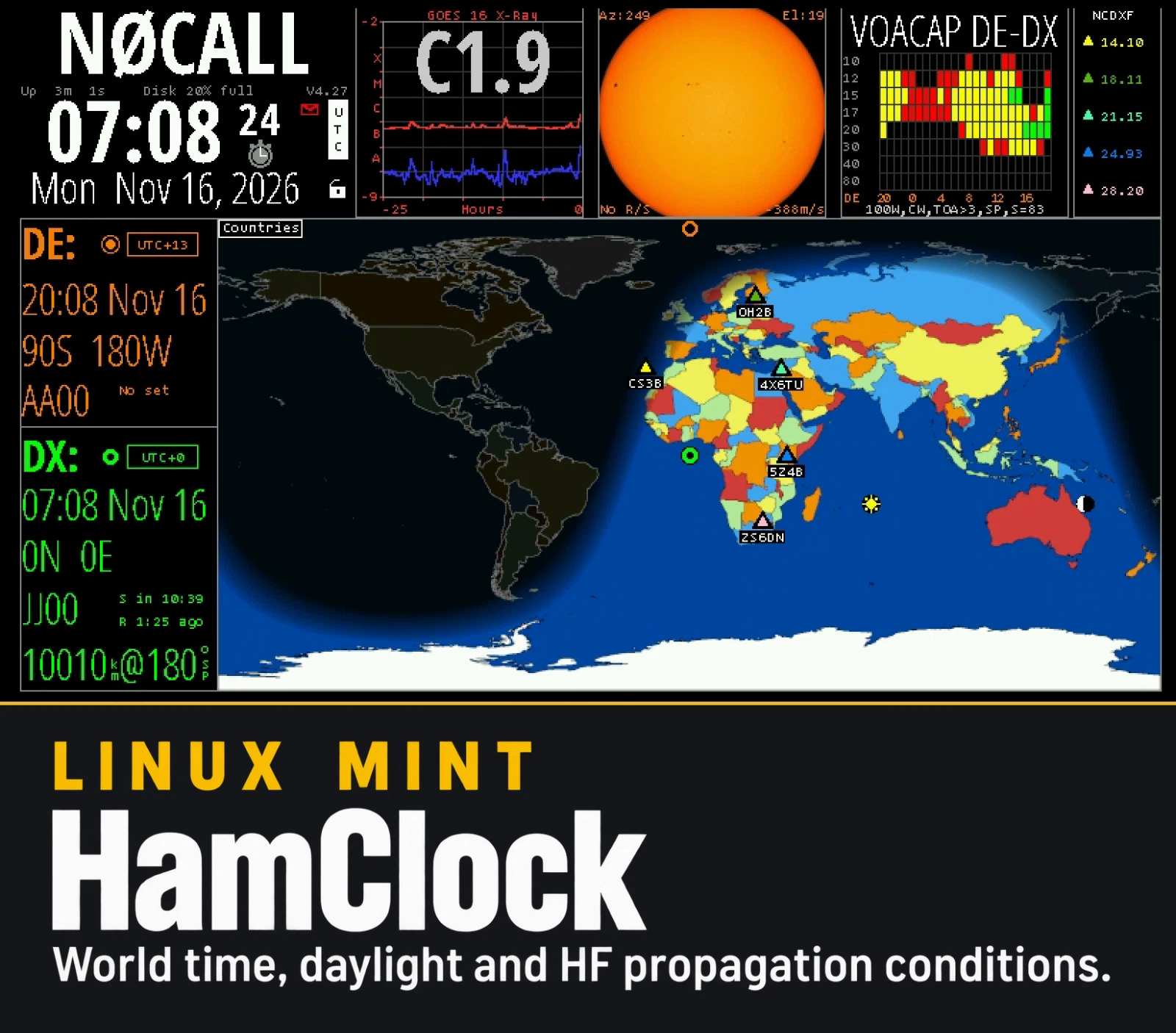
- HamClock on Mint shows world time, daylight on a map, and propagation conditions at your station.
Logging and station tools on Windows 10 Pro
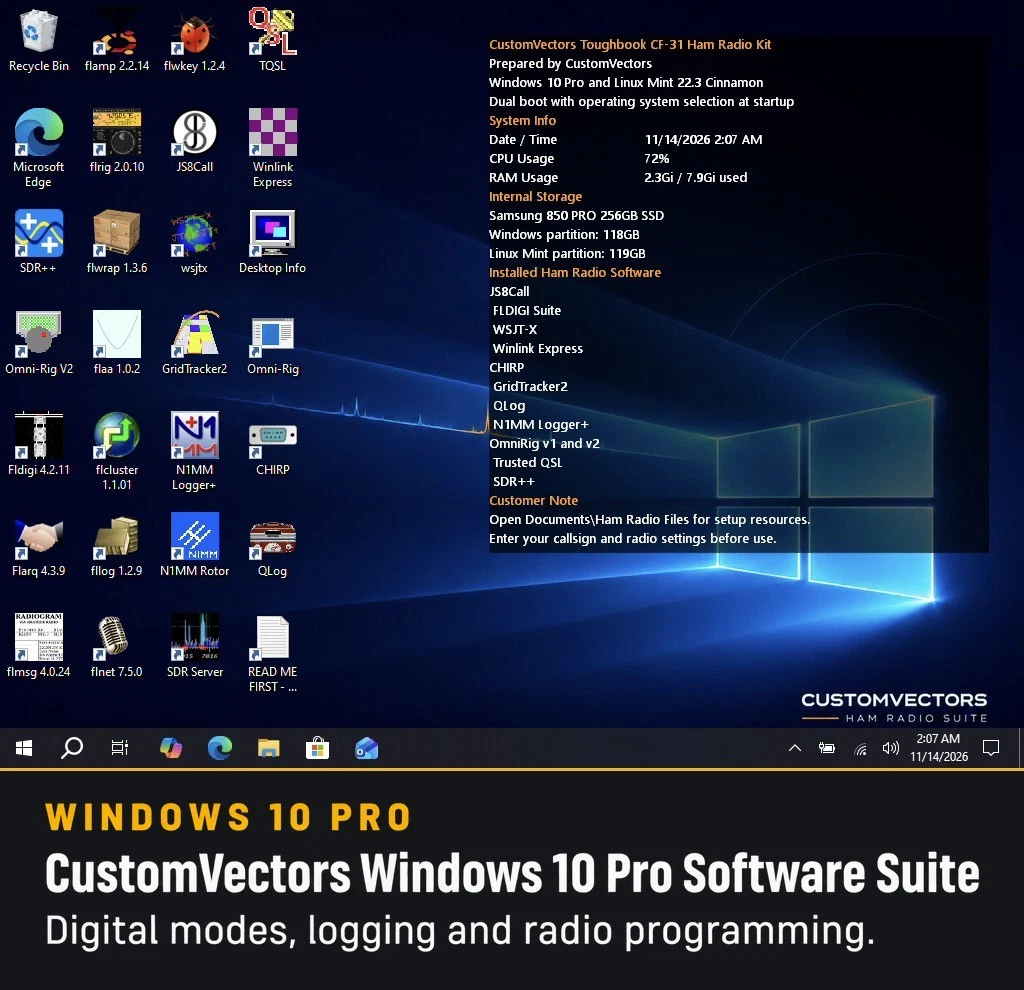
- GridTracker2 maps the stations WSJT-X hears. QLog keeps your everyday logbook, N1MM Logger+ logs contests, and Trusted QSL (TQSL) signs contact logs for ARRL’s Logbook of The World.
- OmniRig v1 and v2 provide radio control for programs that use OmniRig. N1MM Rotor controls a compatible antenna rotator.
- Other FLdigi companions include FLlog for logging, FLnet for net control, and FLcluster for DX spots. FLwkey works with compatible Morse keyers, and FLaa controls supported RigExpert antenna analyzers.
- You’ll also find SDR Server and Desktop Info for system details.
More tools on Linux Mint
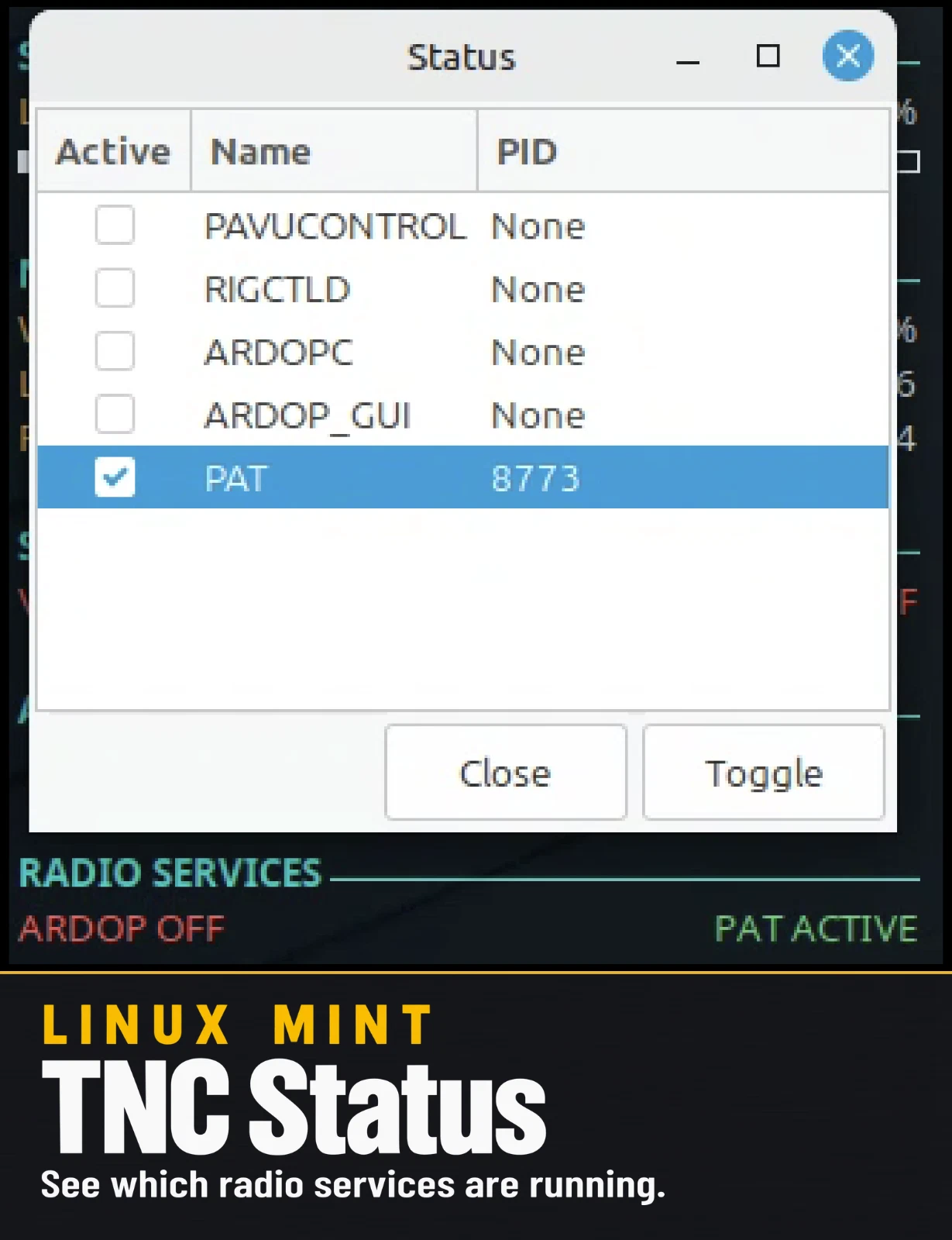
- Dire Wolf handles packet radio and APRS through a sound card. TNC Status shows which radio services are running, including Pat and the ARDOP software modem.
- VarAC works with the VARA modem for keyboard chats. Other messaging tools include ARIM, vARIM, CommstatOne, PTE, PFE, and FLMSG Viewer.
- PuTTY, GtkTerm, Minicom, and QtTermTCP provide terminal connections. Hamlib supplies command-line radio controls.
- VeraCrypt encrypts storage, Kleopatra manages encryption keys, and PyBitmessage handles internet messaging. The Fix Audio shortcut restores the Toughbook’s speaker settings.
Connecting your own station
For on-air use, connect a compatible radio and antenna using the cable or interface your radio requires. In each digital-mode program you use, select the audio input and output for your radio interface. If your equipment uses a separate push-to-talk (PTT) connection, select that as well.
Setup and troubleshooting guides are included on both systems. Start with the Read Me First guide. On Mint, open Customer Guides on the desktop. On Windows, open Documents > Ham Radio Files.
About CustomVectors
I run CustomVectors, a small laptop business. I’ve personally prepared and sold 300+ laptops through eBay and hold a bachelor’s degree in Information Science & Technology. I enjoy setting up computers for people’s hobbies, and I only ship laptops I’d be happy to use myself.
Questions about your radio?
Before or after your purchase, contact me with your radio model and what you’d like to try. You’ll hear from the person who set up the laptop.
73 from CustomVectors!